Introduction
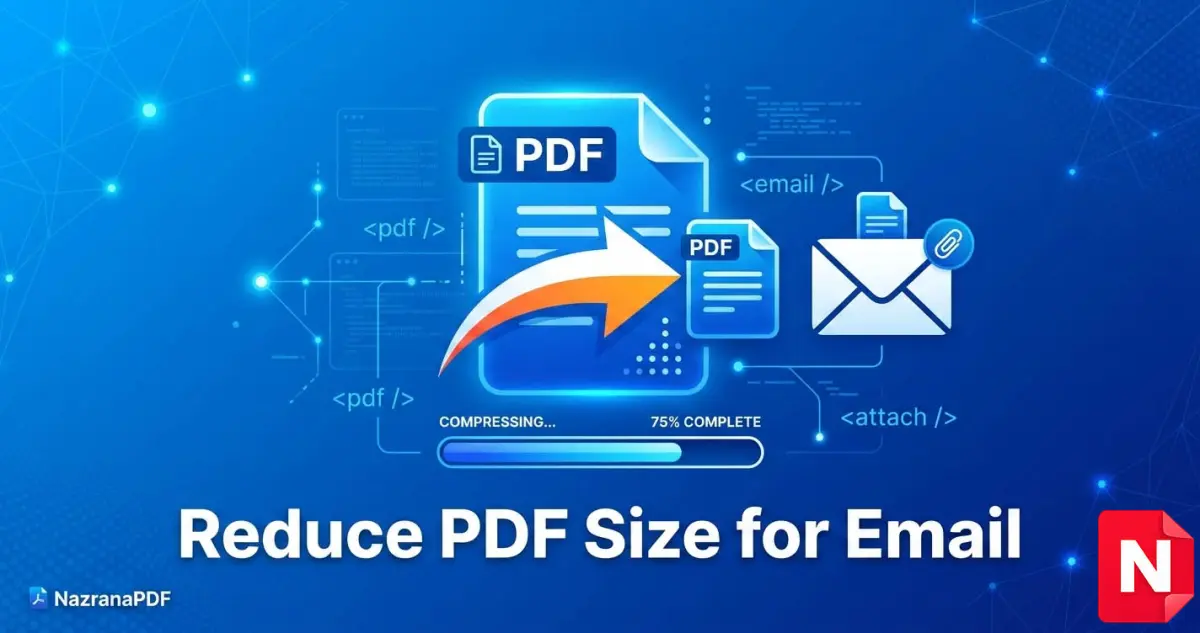
Sending PDF files through email is very common for documents like resumes, invoices, reports, and contracts. However, many email services such as Gmail or Outlook have file size limits. If your PDF file is too large, the email may fail to send or take too long to upload.
That’s why learning how to reduce PDF file size for email is very important. By compressing your PDF, you can make the file smaller without losing much quality. This allows you to send documents faster and avoid email attachment limits.
In this guide, we will explain simple and effective methods to reduce PDF file size so you can easily send it through email.
Why PDF Files Become Large
Before reducing the size, it is important to understand why PDF files become large.
Some common reasons include:
• High-resolution images inside the PDF
• Scanned documents with large image data
• Embedded fonts and graphics
• Uncompressed file format
When a PDF contains many images or scanned pages, the file size increases quickly. Compressing the PDF removes unnecessary data and optimizes images to make the file smaller.
Email Attachment Size Limits
Most email services have attachment limits. If your PDF exceeds this limit, it cannot be sent.
Common email limits include:
Gmail – 25 MB
Outlook – 20 MB
Yahoo Mail – 25 MB
If your PDF is larger than these limits, you must compress it before sending.
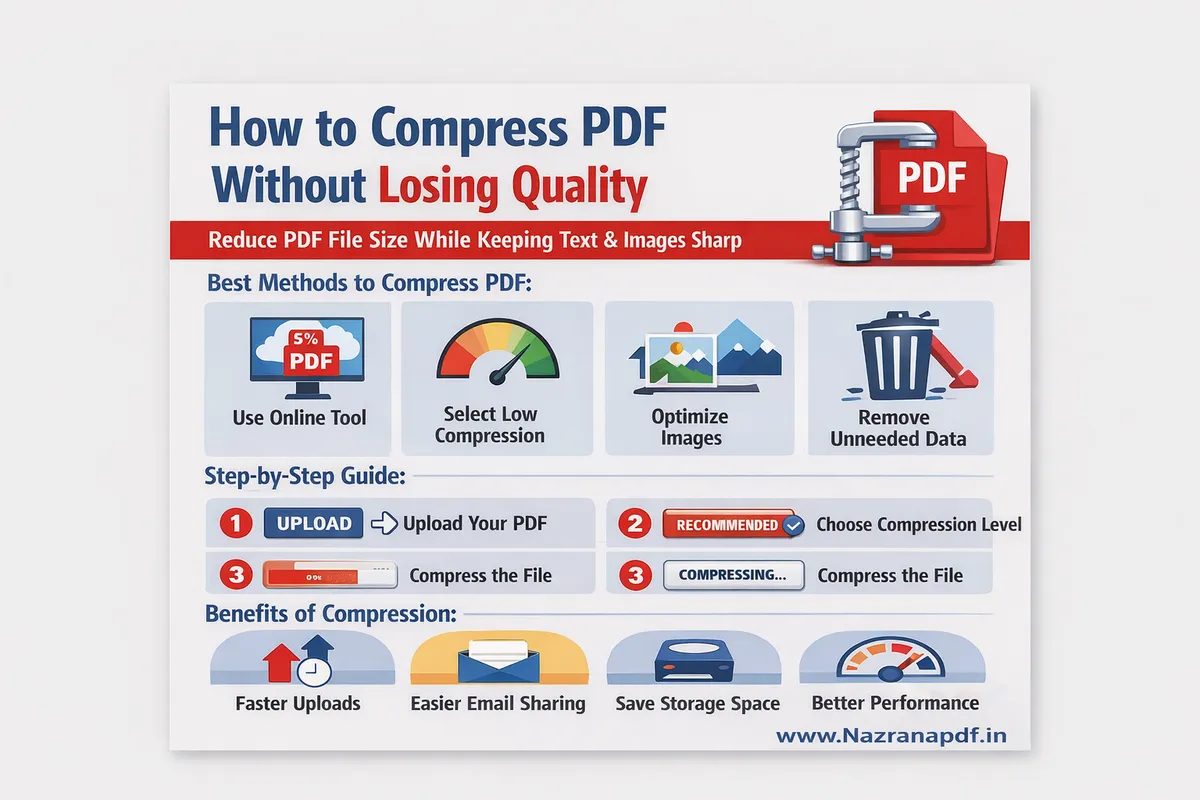
Method 1: Compress PDF Using Online Tools
The easiest way to reduce PDF size is using an online compression tool.
These tools automatically optimize the file by reducing image size and removing unnecessary data.
Steps to compress PDF online:
Open a PDF compression website.
Upload your PDF file.
The tool automatically compresses the file.
Download the smaller PDF.
Online tools are fast, free, and do not require software installation.
You can also use this free tool here:
This tool quickly compresses PDF files while maintaining good quality.
Method 2: Reduce PDF Size Using Image Optimization
If your PDF contains images, reducing image resolution can significantly decrease file size.
You can do this by:
• Lowering image resolution
• Converting images to compressed formats
• Removing unnecessary images
This method is useful for scanned documents and reports containing many images.
Method 3: Save PDF as Optimized File
Some PDF editors allow you to save files with optimization.
For example:
Open the PDF in a PDF editor.
Choose Save As Optimized PDF.
Reduce image quality or remove unused objects.
Save the file.
This method reduces file size without affecting readability.
Method 4: Split Large PDF Files
If your PDF is extremely large, you can split it into smaller parts.
For example:
• Chapter-wise documents
• Separate attachments for different pages
• Multiple smaller PDF files
Splitting large PDFs allows you to send them through email more easily.
You can split PDF files online here:
Tips to Keep PDF Size Small
Here are some useful tips to keep your PDF files small:
✔ Avoid inserting high-resolution images
✔ Use compressed image formats
✔ Remove unnecessary pages
✔ Compress the PDF before sending
Following these steps will ensure your PDF files remain email-friendly.
Benefits of Compressing PDF for Email
Reducing PDF size provides several advantages:
Fast email uploads
Faster downloads for recipients
Better storage management
Easy file sharing
Compressed PDF files are easier to manage and share across different platforms.
Conclusion
Reducing PDF file size for email is simple and very useful. Large PDF files can cause email sending problems, but compressing them solves this issue quickly.
Using online compression tools, optimizing images, or splitting large documents can significantly reduce file size while maintaining quality.
If you regularly send documents via email, compressing PDFs before sending will save time and ensure smooth delivery.
FAQ
Q1: How can I reduce PDF file size for email?
You can reduce PDF size using online compression tools or by optimizing images.
Q2: What is the email attachment size limit?
Most email services like Gmail allow attachments up to 25 MB.
Q3: Will compressing a PDF reduce quality?
Good compression tools reduce file size while keeping document quality readable.
more tool: Extract pdf