How to Reverse PDF Pages (Complete Beginner Guide)
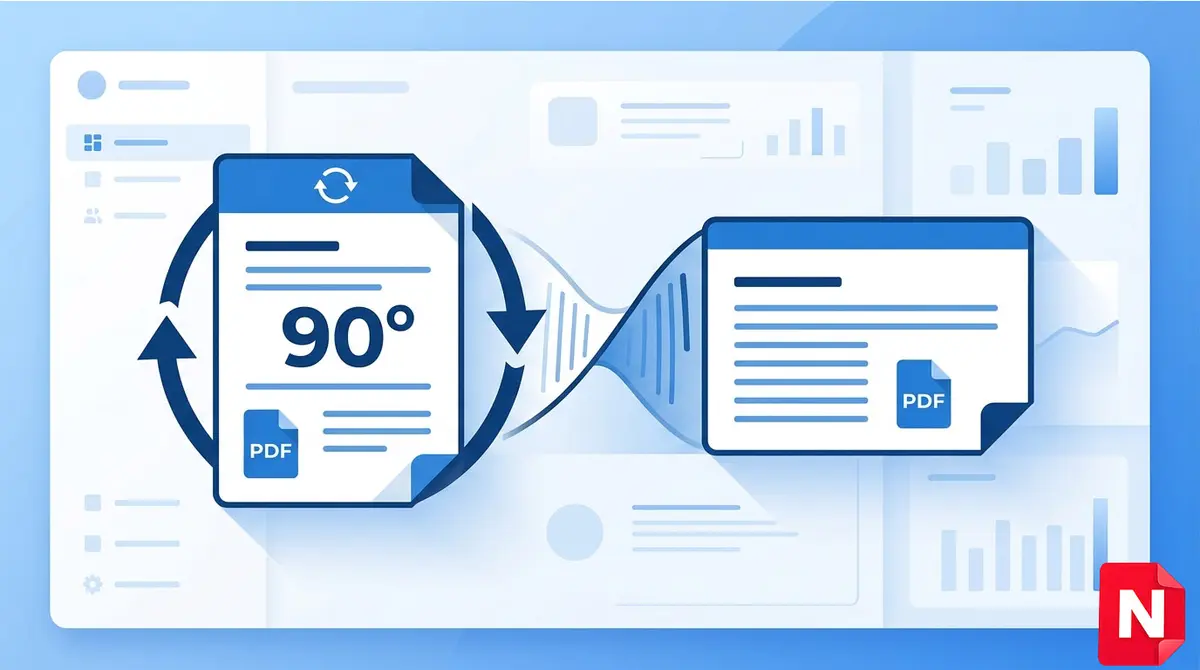
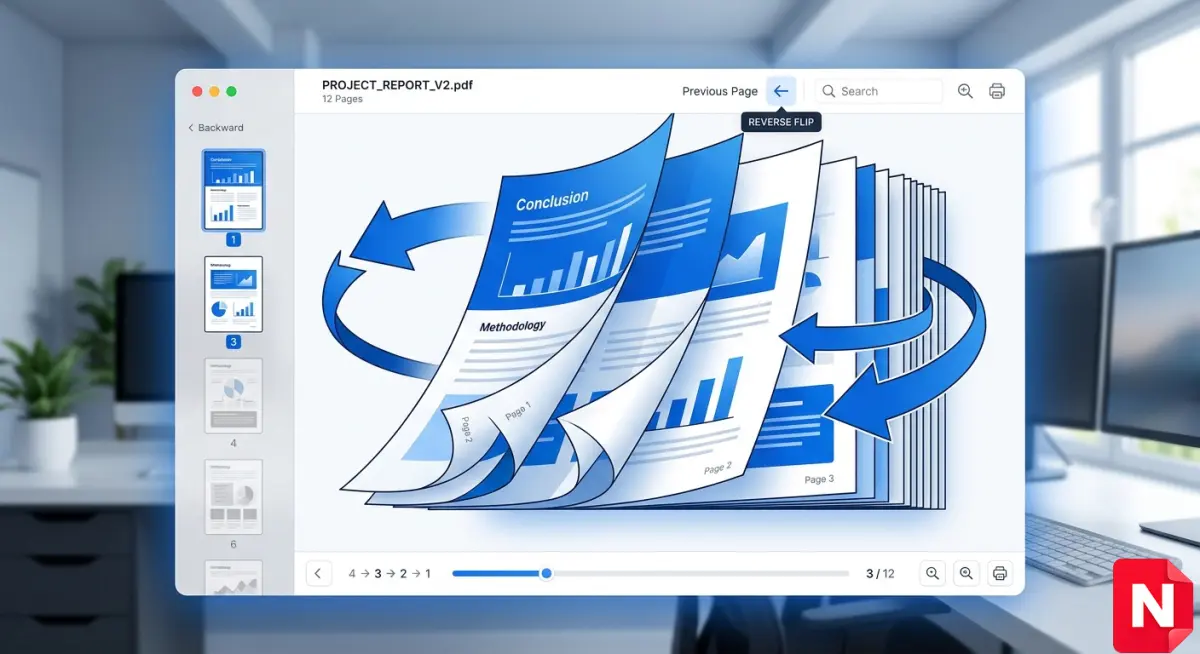
Reversing PDF pages means changing the order of pages in a document—for example, turning page order from 1,2,3,4 → 4,3,2,1. This is useful when your PDF is scanned upside down, printed in reverse order, or incorrectly arranged.
In this guide, you’ll learn how to reverse PDF pages online for free, without installing any software.
Why You Might Need to Reverse PDF Pages
There are many situations where reversing pages becomes important:
- Scanned documents are in the wrong order
- Fix printing issues (reverse printing problems)
- Reorganize ebooks or notes
- Correct document flow before sharing
Best Way to Reverse PDF Pages Online
The easiest method is using an online tool. No installation, no technical knowledge required.
👉 Try our free tool:
Reverse PDF Tool – Fast & Secure (No Signup Required)
Step-by-Step: Reverse PDF Pages Online
Follow these simple steps:
Step 1: Upload Your PDF
Click on the upload button and select your PDF file.
Step 2: Choose Reverse Option
Select the Reverse Pages option.
Step 3: Process the File
Click on “Reverse PDF” and wait a few seconds.
Step 4: Download File
Download your reversed PDF instantly.
Features of Our Reverse PDF Tool
- 100% Free
- Secure (files auto-deleted)
- Fast processing
- Mobile-friendly
- Works on all devices
Alternative Methods to Reverse PDF Pages
1. Using PDF Software
Tools like Adobe Acrobat allow page reordering, but they are paid.
2. Using Print Settings
Some printers support reverse printing, but it’s not always reliable.
That’s why online tools are the best and fastest option.
Related PDF Tools
To improve your productivity, check these tools:
SEO Tips for Better PDF Handling
- Use proper file names (example: reversed-document.pdf)
- Keep file size optimized
- Ensure correct page order before sharing
- Use trusted tools for security
FAQ
Q1. Can I reverse PDF pages for free?
Yes, you can use online tools to reverse PDF pages completely free.
Q2. Is it safe to upload PDF files online?
Yes, trusted tools automatically delete files after processing.
Q3. Can I reverse only selected pages?
Some advanced tools allow selective page reordering.
Q4. Do I need to install software?
No, everything works directly in your browser.
Conclusion
Reversing PDF pages is a simple but essential task when dealing with documents. Instead of using complex software, you can easily reverse pages online in just a few clicks.
👉 Use our free tool now and save time:
https://www.nazranapdf.in/tools/reverse-pdf/
Read More Article