Introduction
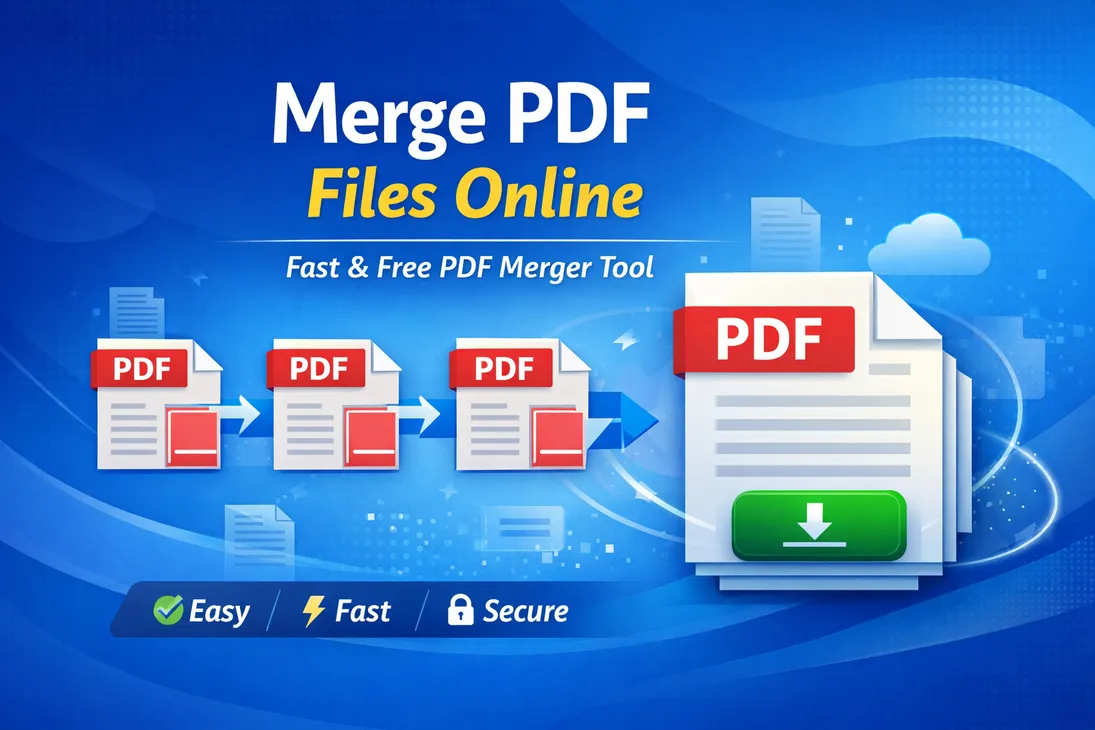
Merging multiple PDF files into one document is a common requirement for students, professionals, and businesses. Whether you want to combine invoices, join scanned pages, or merge study notes, knowing how to merge PDF files online can save time and effort.
In this complete step-by-step guide, you will learn how to merge PDF files safely, quickly, and without losing quality.
Why Do You Need to Merge PDF Files?
There are several situations where combining PDF files becomes necessary:
Submitting multiple documents as a single file
Combining scanned pages into one PDF
Sending business contracts in one document
Organizing reports or research papers
Creating a single portfolio file
Instead of sending multiple attachments, merging PDFs makes your documents look more professional.
Is It Safe to Merge PDF Files Online?
Yes, merging PDF files online is generally safe if you use trusted and secure tools. However, always keep these precautions in mind:
Avoid uploading confidential documents on unknown websites
Use HTTPS-secured platforms
Delete files after processing if the option is available
For sensitive documents, offline PDF merging software may be a better option.
How to Merge PDF Files Online (Step-by-Step)
Follow these simple steps:
Step 1: Open a Reliable PDF Merge Tool
Use a secure online PDF merger tool in your browser.
Step 2: Upload Your PDF Files
Click on the Upload or Choose Files button and select multiple PDF documents from your device.
Step 3: Arrange the Files
Most tools allow you to drag and reorder pages or files before merging.
Step 4: Click on Merge
Press the Merge PDF or Combine Files button to start processing.
Step 5: Download the Merged PDF
After processing, download the combined PDF file to your device.
The process usually takes only a few seconds.
Benefits of Merging PDF Files
Merging PDFs offers several advantages:
1. Better Organization
All related documents stay in one file.
2. Easy Sharing
You can send a single file instead of multiple attachments.
3. Professional Presentation
A combined document looks more structured and official.
4. Time Saving
No need to manually copy and paste content.
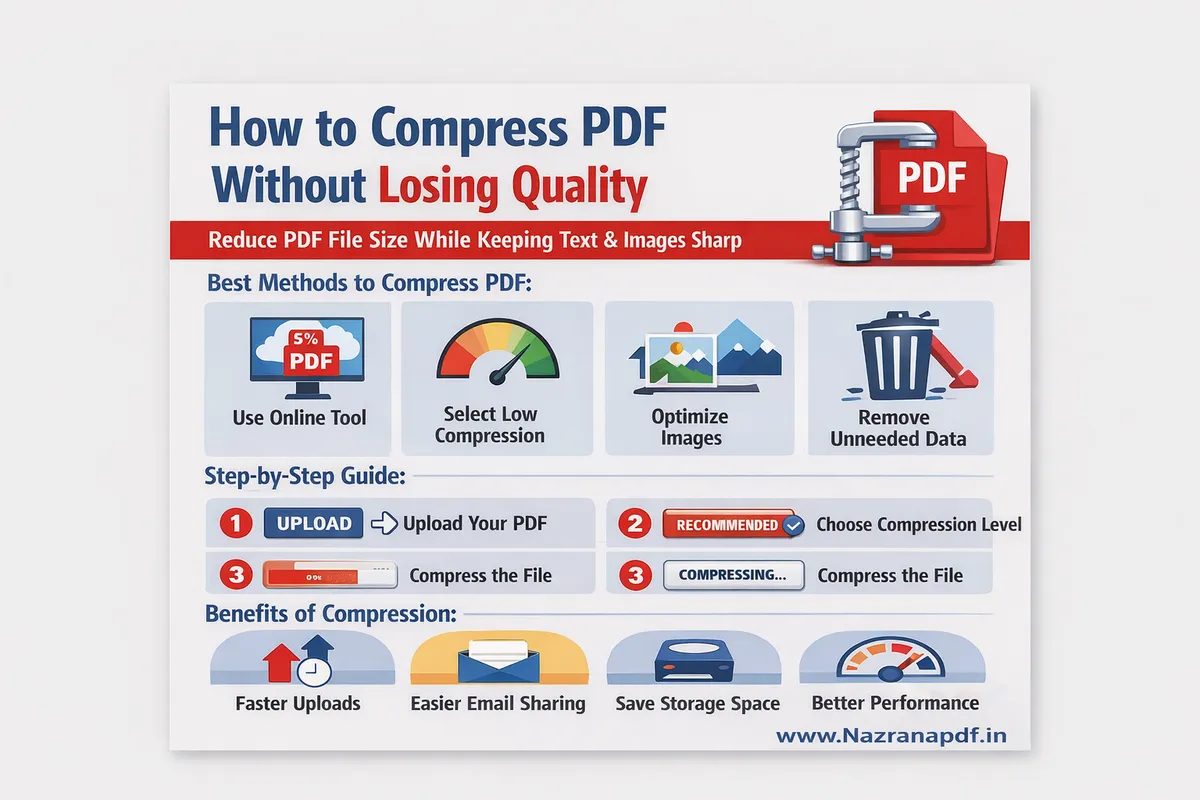
How to Merge PDF Files Without Losing Quality
To maintain quality:
Avoid repeated compression
Use high-quality source files
Choose a reliable PDF merge tool
Do not resize images unnecessarily
Merging itself does not reduce quality unless compression is applied.
Can You Merge PDF Files on Mobile?
Yes, you can merge PDF files on:
Android smartphones
iPhones
Tablets
Many mobile browsers support online PDF merging tools. Some apps also allow offline merging.
Offline Method to Merge PDF Files
If you prefer not to upload files online:
Use desktop PDF software
Open the main PDF file
Insert additional pages
Save the combined document
This method is ideal for confidential documents.
Common Problems While Merging PDFs
Here are some common issues and solutions:
File Too Large
Compress the PDF before merging.
Incorrect Page Order
Use drag-and-drop reordering before final merge.
Upload Error
Check internet connection or file size limit.
Frequently Asked Questions (FAQs)
1. Can I merge PDF files for free?
Yes, many online tools allow free PDF merging with basic features.
2. Will merging reduce PDF quality?
No, merging alone does not reduce quality unless compression is applied.
3. Is there a file size limit?
Some tools have upload limits, especially free versions.
4. Can I merge password-protected PDFs?
Yes, but you must enter the password first.
Conclusion
Merging PDF files online is quick, easy, and efficient. Whether you are a student combining assignments or a professional organizing reports, knowing how to merge PDFs improves productivity and document management.
Always use secure tools and maintain file quality while merging documents.