How to Convert PDF to Word Online Without Losing Formatting
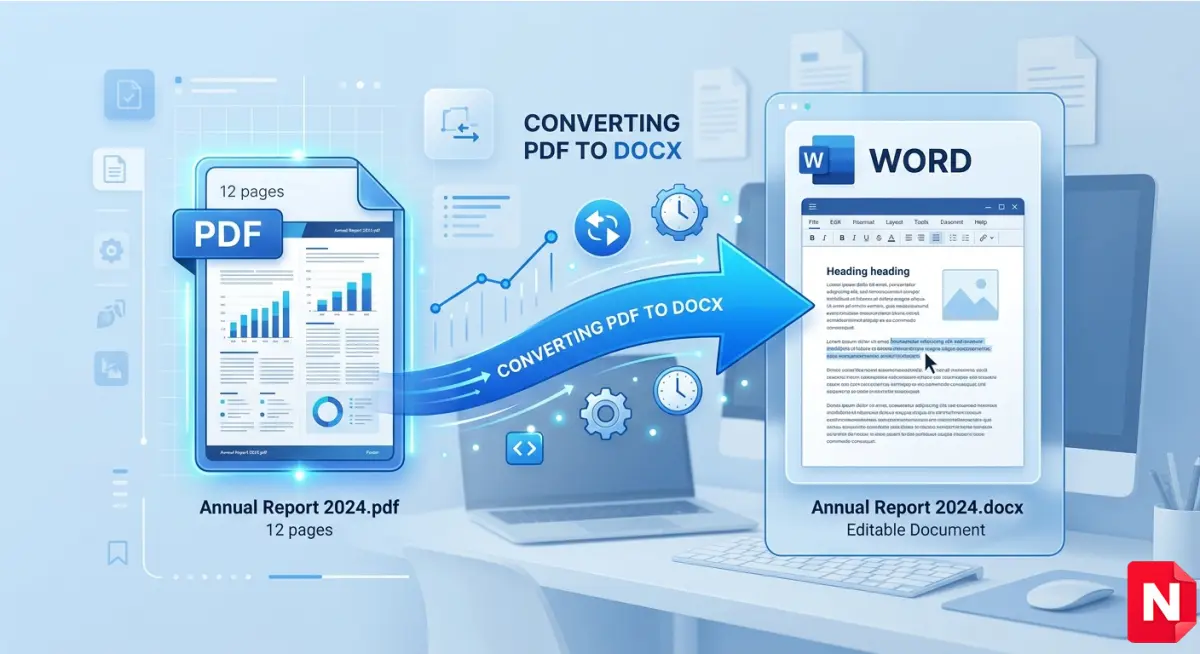
PDF files are great for sharing documents, but editing them can be difficult. If you want to make changes, you often need to convert your PDF into an editable Word document.
In this guide, you’ll learn how to convert PDF to Word online without losing formatting using a fast and secure method.
Why Convert PDF to Word?
There are many reasons why users convert PDF files into Word documents:
- ✏️ Easy editing and formatting
- 📄 Reuse content for reports or projects
- 🧾 Modify invoices, forms, or documents
- 🎓 Useful for students and office work
Best Way to Convert PDF to Word Online
The easiest way is to use a free online tool.
👉 Use our free tool here:
PDF to Word Converter Tool
This tool allows you to:
- Convert files instantly
- Maintain original layout and fonts
- Work on mobile and desktop
- No installation required
Step-by-Step Guide
Follow these simple steps:
- Upload your PDF file
- Click on Convert button
- Wait a few seconds
- Download your Word (.docx) file
That’s it! Your PDF is now editable.
Is It Safe to Convert PDF Online?
Yes, if you use a trusted tool.
Our tool ensures:
- 🔐 File encryption
- 🗑️ Auto file deletion after processing
- 🚫 No data stored permanently
Convert PDF to Word on Mobile
You can also convert PDF files directly from your smartphone.
Steps:
- Open the tool in your browser
- Upload your file
- Convert and download
No app required!
Tips for Best Results
- Use high-quality PDFs
- Avoid scanned or blurred documents
- Check formatting after conversion
Related Tools
FAQs
1. Can I convert PDF to Word for free?
Yes, you can use our free online tool without any cost.
2. Will formatting be preserved?
Yes, our tool keeps layout, fonts, and images intact.
3. Do I need to install software?
No, everything works online in your browser.
4. Is there any file size limit?
You can upload standard files, large file support may vary.
Use our free tool here:
PDF to Word Converter
.jpg)