Split PDF Online Free – Extract & Separate PDF Pages Easily
Introduction
In today’s digital world, PDF files are widely used for sharing documents such as reports, eBooks, invoices, and contracts. However, sometimes you don’t need the entire document. You may only need specific pages from a large file.
That’s where a Split PDF Online Free tool becomes extremely useful. It allows you to extract, separate, and manage PDF pages quickly without installing any software.
Why Do You Need to Split a PDF?
There are many situations where splitting a PDF is helpful:
- You want to send only specific pages from a large file
- You need to extract a chapter from an eBook
- You want to separate invoices or reports
- You want smaller files for easy sharing
Instead of editing manually, you can split PDF pages instantly using an online tool.
How to Split PDF Online (Step-by-Step Guide)
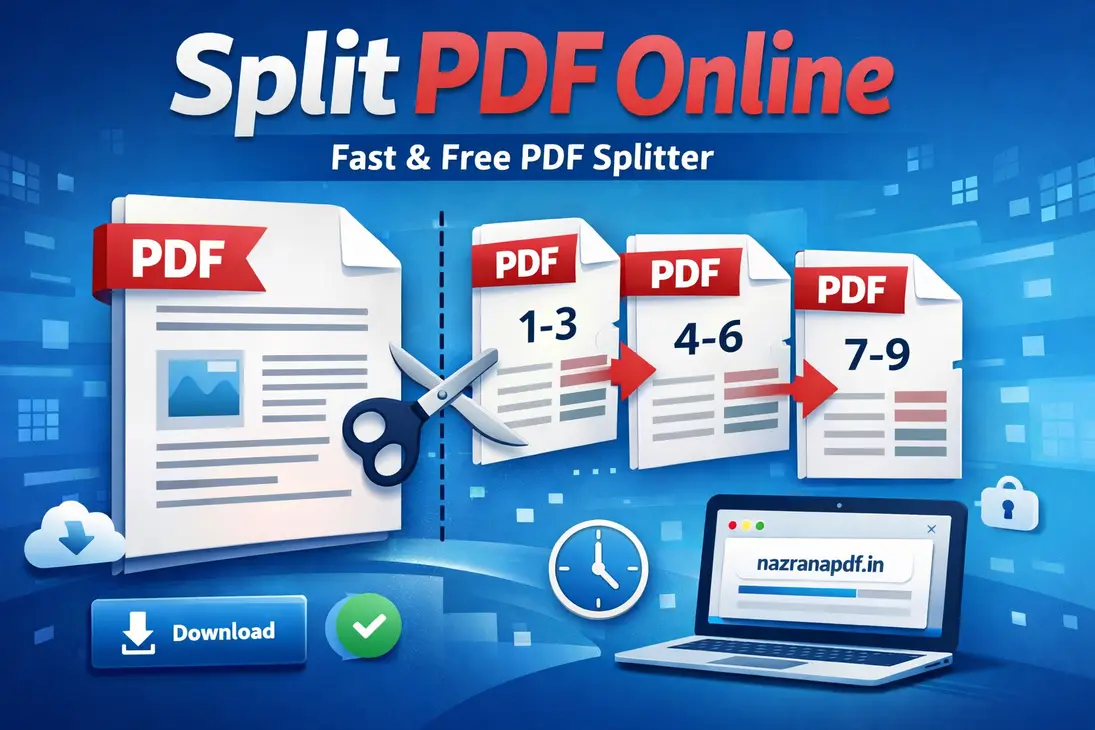
Follow these simple steps to split your PDF file:
1. Upload Your PDF
Click on the upload button and select your PDF file.
2. Select Pages
Choose the pages or page range you want to extract.
3. Click Split PDF
Start the process by clicking the split button.
4. Download File
Download your separated PDF instantly.
👉 Try it here:
Best Way to Split PDF Pages Online
The easiest and fastest way to split PDF files is by using an online PDF splitter. It saves time and does not require installation.
Our tool is designed for speed, simplicity, and security. Whether you are using mobile or desktop, you can split PDF files in seconds.
Features of Our Split PDF Tool
- 100% Free to Use
- No Watermark
- Fast Processing
- Secure File Handling
- Works on All Devices
Benefits of Splitting PDF Files
Splitting PDF files offers several advantages:
- Better file organization
- Faster sharing
- Improved productivity
- Professional document handling
Related PDF Tools
If you work with PDFs regularly, you may also need:
- Merge PDF – Combine multiple PDF files into one
- Compress PDF – Reduce PDF file size
- PDF to Word – Convert PDF into editable format
Is It Safe to Split PDFs Online?
Security is one of the biggest concerns when uploading documents online. Our system ensures that:
• Files are encrypted during processing.
• Documents are not stored permanently.
• Uploaded files are automatically deleted after completion.
This ensures complete privacy and safety of your important documents.
Tips for Best Results
- Use non-password protected PDFs
- Double-check page numbers
- Keep a backup copy
- Use smaller page ranges for faster processing
FAQs
Q1. How can I split a PDF file online for free?
You can upload your PDF, select pages, and download the split file instantly using our tool.
Q2. Is this PDF splitter safe?
Yes, files are encrypted and deleted automatically after processing.
Q3. Can I split PDF on mobile?
Yes, the tool works on mobile, tablet, and desktop devices.
Conclusion
Managing large PDF files is no longer difficult. With our Split PDF Online Free tool, you can extract and separate pages easily in just a few clicks.
👉 Start Now: https://nazranapdf.in/split/