Introduction
PDF stands for Portable Document Format. It is one of the most widely used document formats in the world. Whether you are sending a resume, sharing business contracts, submitting academic assignments, or downloading eBooks, chances are you are using a PDF file.
In this complete beginner guide, you will learn what a PDF file is, why it is important, how it works, and how to open, edit, compress, and convert PDF documents easily.
What Is a PDF File?
A PDF file is a document format created to present files consistently across different devices and operating systems. Unlike Word documents or text files, a PDF keeps the same layout, fonts, images, and formatting no matter where it is opened.
This means:
The document looks the same on mobile, tablet, or desktop
Fonts and images do not change
Formatting remains intact
Because of this reliability, PDFs are widely used in business, education, legal documentation, and government sectors.
Why Is PDF So Popular?
PDF files are popular for several important reasons:
1. Universal Compatibility
PDF files can be opened on Windows, macOS, Android, iOS, and Linux without formatting issues.
2. Secure and Reliable
You can protect PDF files with passwords and restrict editing or printing.
3. Professional Appearance
PDFs maintain professional formatting, making them ideal for resumes, invoices, contracts, and reports.
4. Compact File Size
PDF files can be compressed to reduce file size without losing too much quality.
How Does a PDF File Work?
A PDF file stores text, images, fonts, and formatting in a fixed layout. Unlike editable document formats, PDF is designed to display content rather than allow major changes.
It uses a structured format that ensures:
Exact visual consistency
Embedded fonts
Image compression
Cross-platform compatibility
This is why companies prefer PDFs for official documentation.
How to Open a PDF File
Opening a PDF file is very simple. You can use:
Built-in browser viewer (Chrome, Edge, Firefox)
PDF reader software
Mobile PDF apps
Online PDF viewer tools
Most modern devices already have built-in PDF viewing support.
How to Edit a PDF File
Editing a PDF depends on the type of file:
If It Is Editable:
You can modify text, images, and formatting using PDF editing software.
If It Is Scanned:
You may need OCR (Optical Character Recognition) tools to convert it into editable text.
Many online PDF editor tools allow:
Text editing
Image insertion
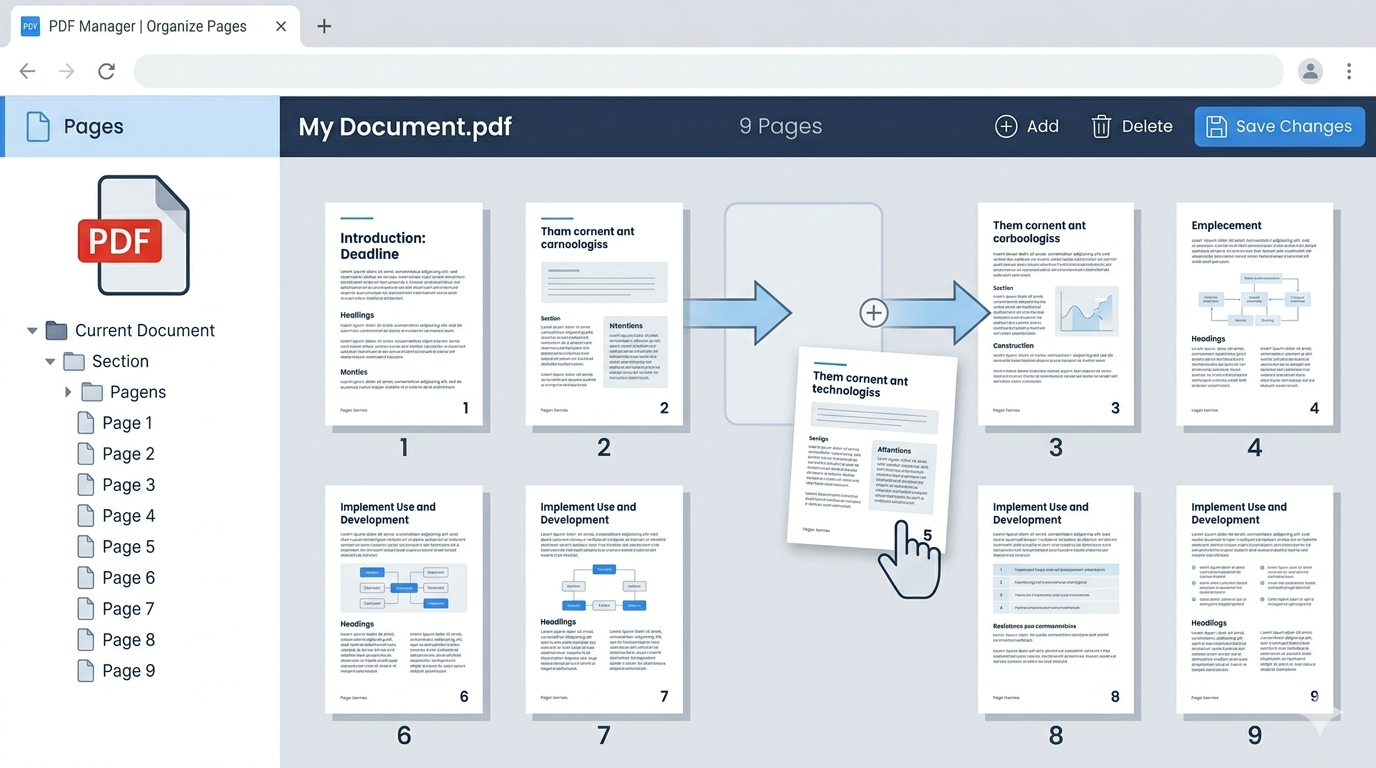
Page reordering
Adding signatures
How to Convert a PDF File
You can convert PDF files into other formats such as:
PDF to Word
PDF to Excel
PDF to PowerPoint
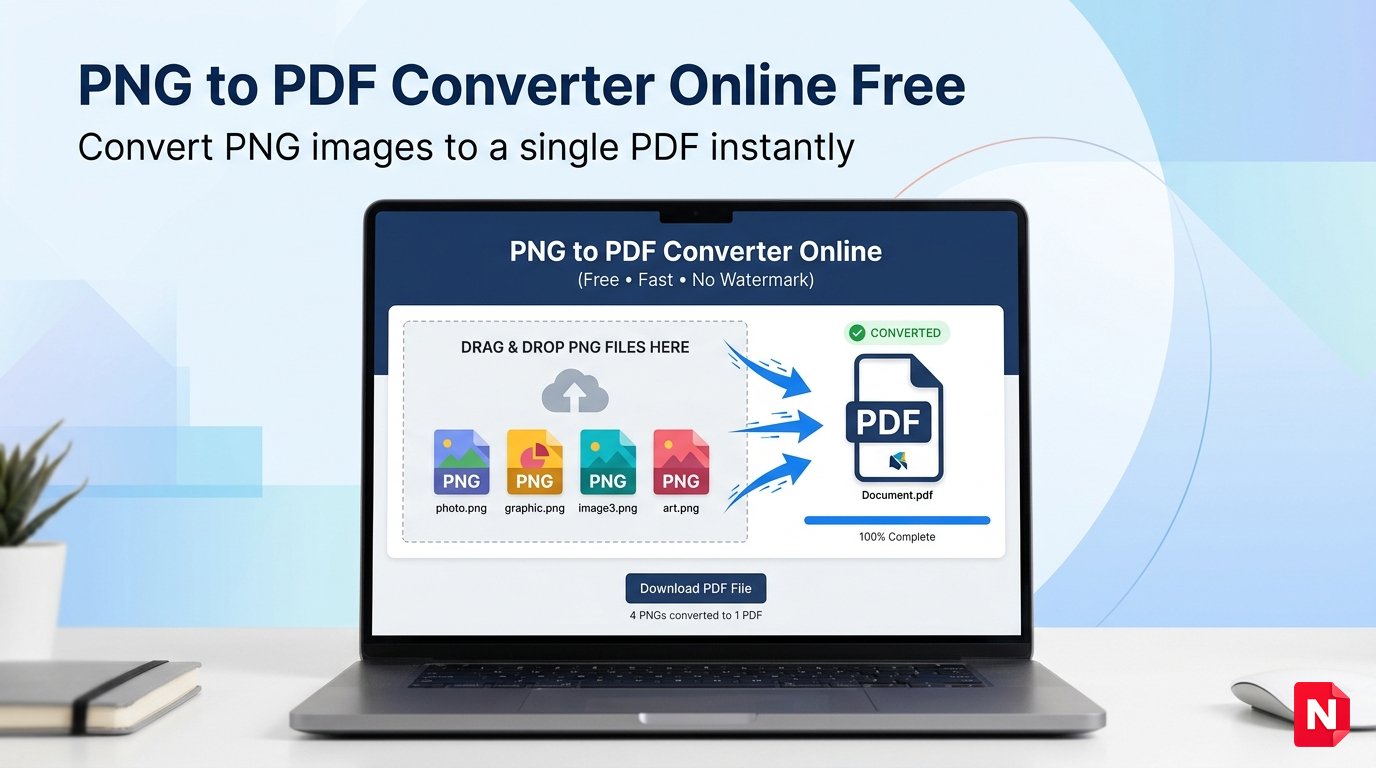
PDF to JPG
Online PDF converter tools make this process simple and fast.
How to Compress a PDF File
Large PDF files can be compressed to reduce size for:
Email attachments
Online submissions
Faster uploads
Compression tools reduce file size while maintaining readability.
Is PDF Safe?
PDF files are generally safe. However:
Avoid downloading PDFs from unknown sources
Use password protection for sensitive documents
Scan suspicious files before opening
Many businesses use encrypted PDF files for secure document sharing.
Common Uses of PDF Files
PDF files are commonly used for:
Job resumes
Legal agreements
eBooks
Academic notes
Business invoices
Government forms
Because of their universal support, PDFs are considered a professional standard format.
Frequently Asked Questions (FAQs)
1. What does PDF stand for?
PDF stands for Portable Document Format.
2. Can I edit a PDF file for free?
Yes, many online tools allow limited free PDF editing.
3. Are PDF files secure?
Yes, especially when password-protected and encrypted.
4. Why do companies prefer PDF format?
Because it maintains formatting consistency and looks professional.
Conclusion
PDF files are one of the most important document formats used worldwide. They ensure consistent formatting, professional presentation, and cross-platform compatibility.
Whether you need to read, edit, compress, or convert documents, understanding how PDF works helps you manage files more efficiently.
Learning about PDFs is essential for students, professionals, and business owners in today’s digital world.