How to Extract Images from PDF Files (Complete Beginner Guide)
PDF files are commonly used for sharing ebooks, reports, research papers, presentations, and business documents. These files often contain valuable images such as charts, infographics, product photos, and illustrations.
However, extracting those images directly from a PDF can be difficult if you don't know the right method.
Many people try to take screenshots, but this reduces image quality and wastes time. The better solution is using proper extraction methods that allow you to download images from PDF without losing quality.
In this guide, you will learn different ways to extract images from PDF files quickly and safely.
Why You Might Need to Extract Images from a PDF
There are many situations where people need to save images from PDF documents.
1. Reusing Images for Content
Bloggers, marketers, and designers often reuse images from reports or presentations for new content.
2. Collecting Charts and Infographics
Research papers and business reports contain valuable charts that people want to reuse in presentations.
3. Editing Images
Sometimes images inside PDFs need editing using tools like Photoshop, Canva, or Illustrator.
4. Creating Study Notes
Students often extract diagrams and illustrations from study materials.
Method 1: Use an Online PDF Image Extractor (Easiest Way)
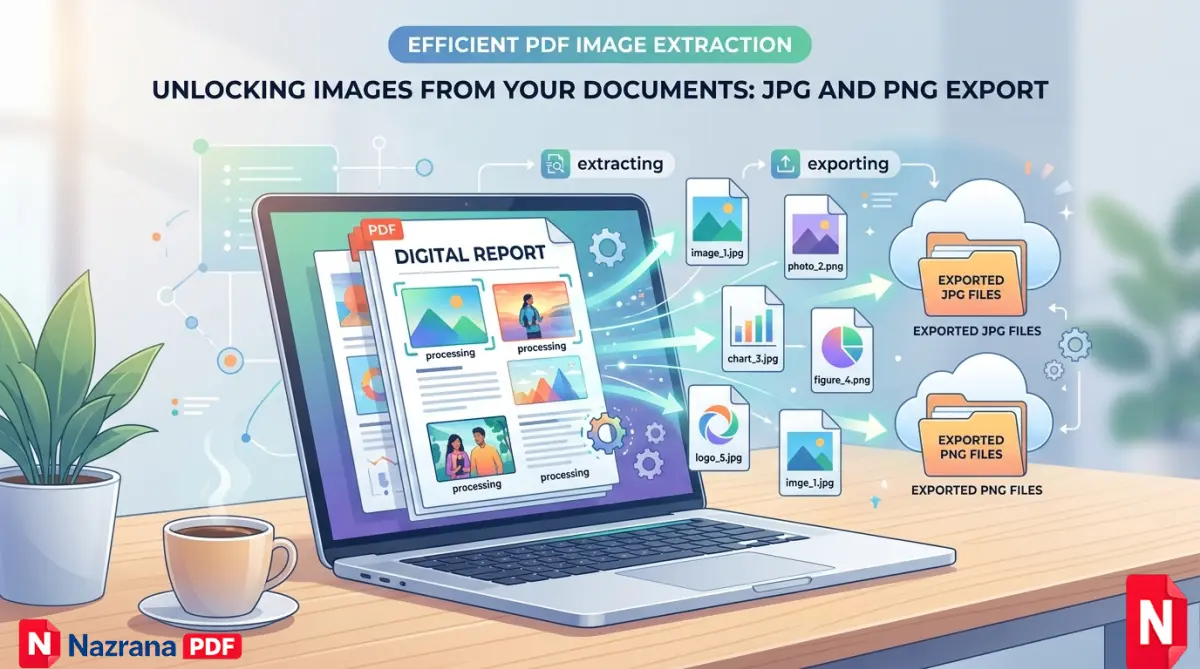
The simplest method is using an online extraction tool. These tools automatically detect images inside a PDF and allow you to download them.
You can try our free tool here:
https://www.nazranapdf.in/tools/extract-pages/
Steps
- Open the image extraction tool
- Upload your PDF document
- Click the Extract Images button
- Wait a few seconds for processing
- Download all images from the file
This method is fast, simple, and keeps the original image quality.
Method 2: Extract Images Using Adobe Acrobat
If you use Adobe Acrobat, you can export images from a PDF file.
Steps:
- Open the PDF in Adobe Acrobat
- Go to Export PDF
- Select Image format (JPG or PNG)
- Save the file
However, this method requires paid software, which is why many people prefer free online tools.
Method 3: Copy Images Directly from PDF
Another method is copying images manually.
Steps:
- Open the PDF file
- Right-click on the image
- Select Copy Image
- Paste it into an image editor
This method works only when the PDF allows copying.
Common Problems When Extracting Images
Many users face issues when extracting images from PDF files.
Low Image Quality
Screenshots reduce quality. Use extraction tools instead.
Locked PDFs
Some PDFs restrict copying images.
Scanned Documents
Images inside scanned PDFs may already be low resolution.
Tips to Extract High Quality Images
To get the best results, follow these tips:
• Always use the original PDF file
• Avoid taking screenshots
• Use dedicated PDF tools
• Download images in PNG format for better quality
These small steps help preserve the original graphics.
When Should You Extract Images from PDF?
Image extraction is useful in many situations:
- Creating blog content
- Designing presentations
- Collecting data charts
- Building educational materials
- Saving product images from catalogs
It saves time and improves productivity.
Other Useful PDF Tools
If you regularly work with PDF documents, you may also need these tools:
Merge PDF – Combine multiple PDF files into one document
Split PDF – Extract specific pages from a PDF
Compress PDF – Reduce file size for easy sharing
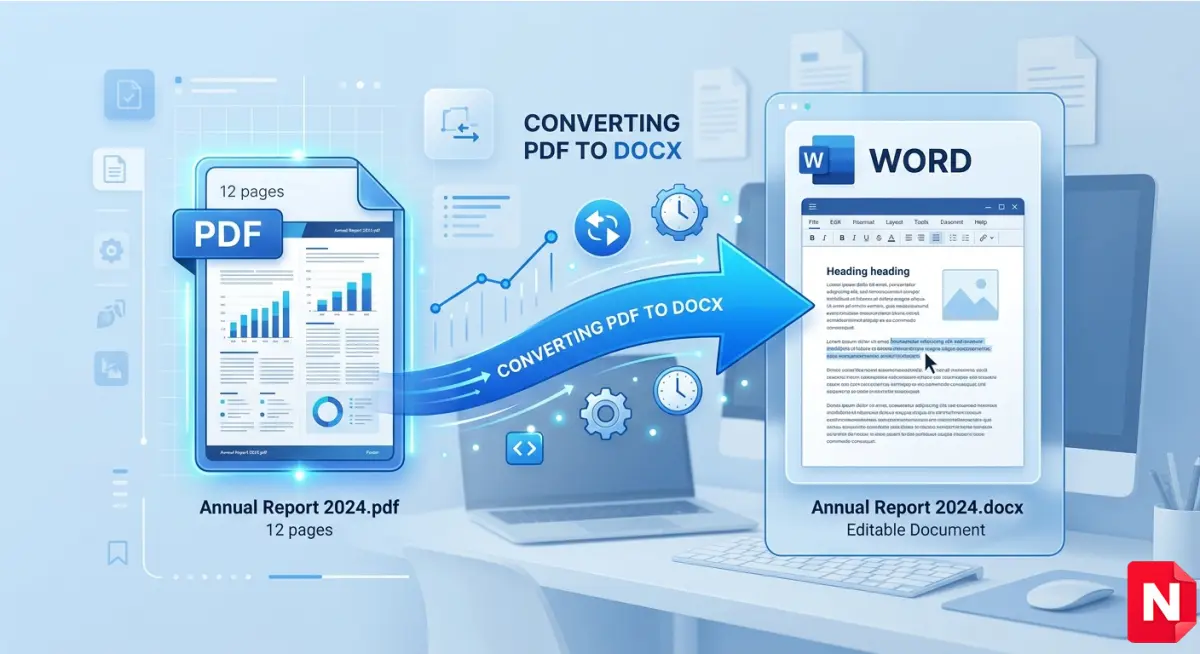
PDF to Word – Convert PDF into editable format
Using the right combination of tools makes document management much easier.
Conclusion
Extracting images from PDF files is much easier today thanks to modern online tools and document software.
Instead of taking screenshots or manually cropping images, you can use efficient extraction methods that save all images in their original quality.
Whether you are a student, blogger, or business professional, knowing how to extract images from PDF can save time and improve productivity.
If you want the fastest solution, you can try the free extraction tool here:
FAQ
Can I extract images from PDF for free?
Yes, many online tools allow you to extract images from PDF files for free.
Will the extracted images lose quality?
No, proper extraction tools keep the original image resolution.
Can I extract images from scanned PDF?
Yes, but the quality depends on the scan resolution.
Which format do extracted images use?
Most tools export images in JPG or PNG format.