How to Convert PDF to Word (Free Methods)
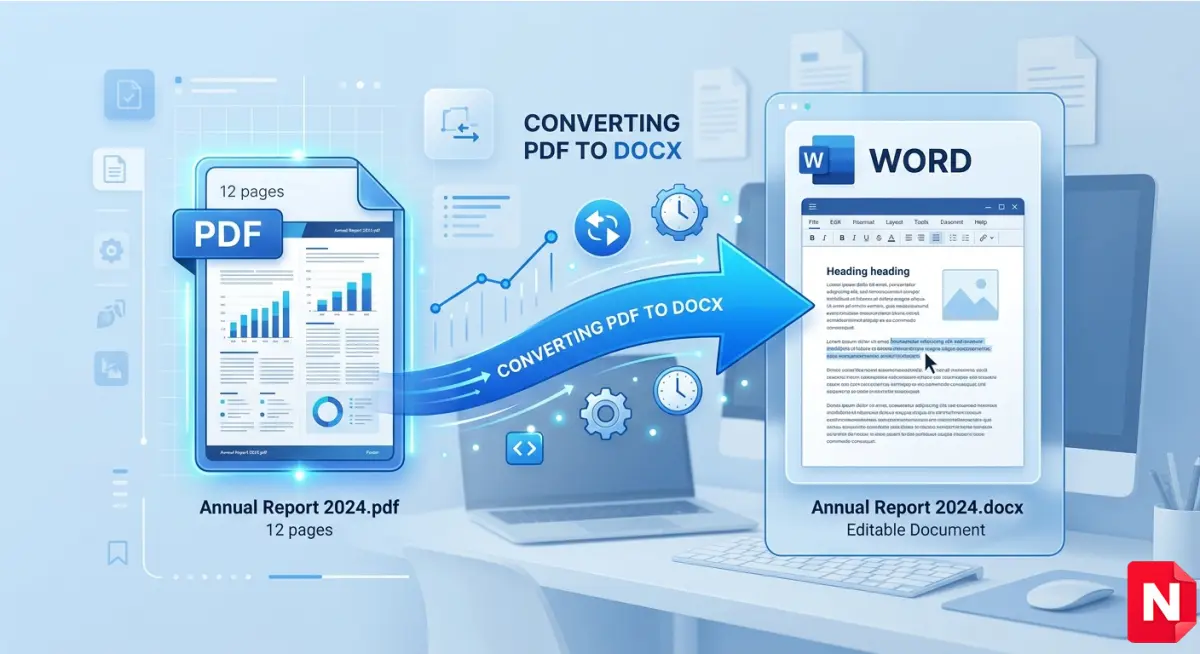
PDF files are great for sharing documents because they keep formatting intact. However, editing a PDF can be difficult. That’s why many users look for ways to convert PDF to Word for free.
In this complete guide, you will learn the best free methods to convert PDF to Word easily, securely, and without losing formatting.
Why Convert PDF to Word?
There are many situations where converting a PDF into an editable Word document is necessary:
- ✔ Editing text or correcting mistakes
- ✔ Updating resumes or reports
- ✔ Reusing content for presentations
- ✔ Changing formatting
- ✔ Extracting tables or images
Microsoft Word allows full editing control, which makes document modifications much easier compared to PDF format.
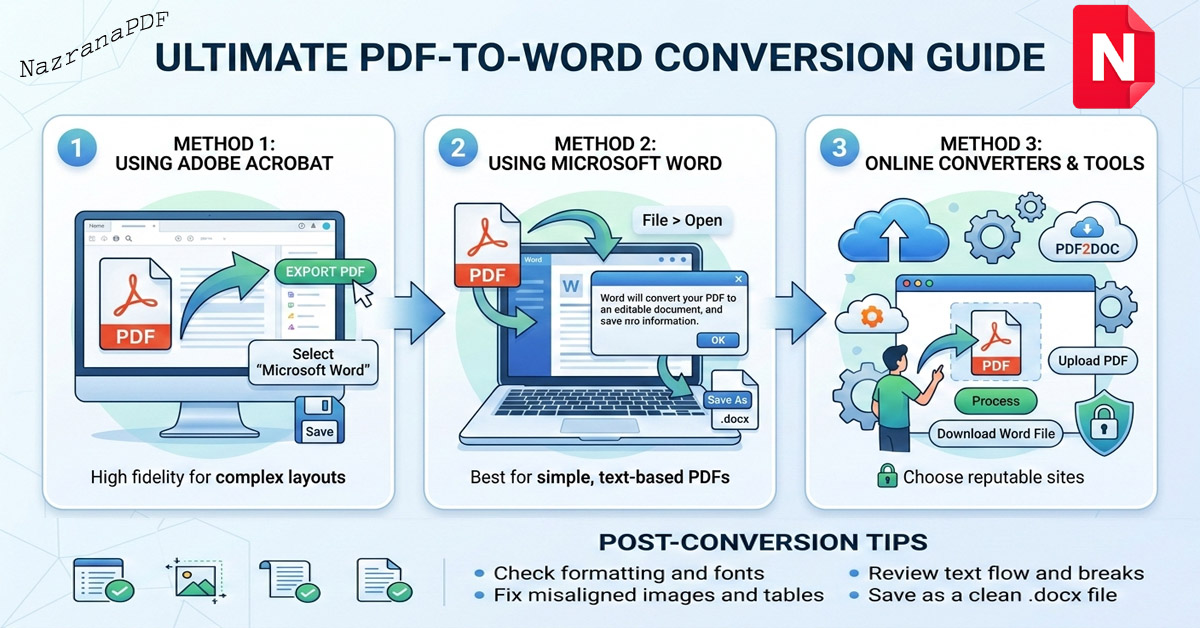
Method 1: Use Our Free Online PDF to Word Converter
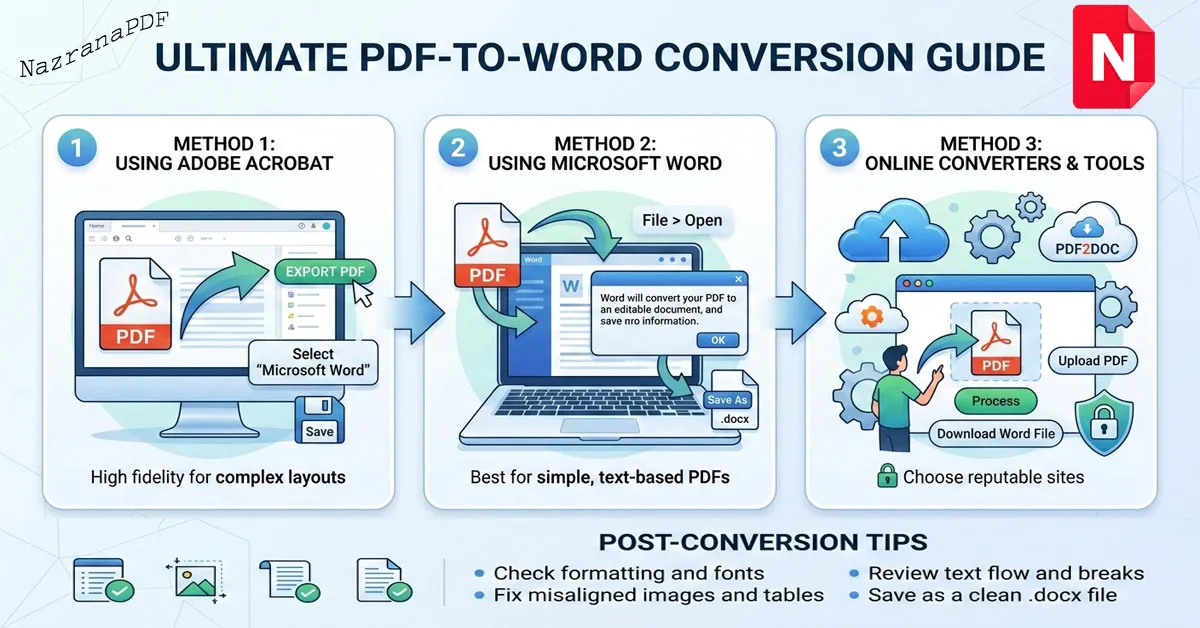
The fastest and easiest way is to use our secure online PDF to Word converter tool.
Steps:
- Upload your PDF file.
- Click the Convert button.
- Wait a few seconds.
- Download your editable Word document.
This method is ideal because:
- ✅ No registration required
- ✅ No watermark
- ✅ Works on mobile and desktop
- ✅ Fast processing
- ✅ Secure file handling
If you need to reduce file size before conversion, you can also use our PDF Compress tool to optimize large documents.
Method 2: Convert PDF to Word Using Microsoft Word
You can open a PDF file directly in Microsoft Word:
- Open Microsoft Word.
- Click File → Open.
- Select your PDF file.
- Word will automatically convert it into editable format.
However, complex formatting may break in some cases.
Method 3: Use Google Docs
Another free method is Google Docs:
- Upload the PDF to Google Drive.
- Right-click and open with Google Docs.
- Download as Microsoft Word (.docx).
This works well for simple text-based PDFs but may struggle with heavy formatting.
Best Method for Accurate Formatting
If you want the best formatting accuracy, an online PDF to Word converter tool is usually the most reliable option. It preserves text alignment, fonts, tables, and layout better than manual methods.
Is It Safe to Convert PDF Online?
Security is important. A trustworthy PDF converter should:
- ✔ Use secure processing
- ✔ Not store files permanently
- ✔ Automatically delete uploaded files
Always avoid suspicious websites that require unnecessary login or payment for basic conversion.
Common Problems & Solutions
1. Formatting Issues
Try compressing the PDF first or use a high-quality converter.
2. Scanned PDF Not Editable
Scanned PDFs require OCR (Optical Character Recognition). Use a converter that supports OCR for better results.
3. Large File Size
Use a PDF Compress tool before converting.
Benefits of Converting PDF to Word
- ✔ Easy editing
- ✔ Faster document updates
- ✔ Better collaboration
- ✔ Reusable content
Students, office workers, freelancers, and business owners frequently need editable Word documents for productivity.
Final Thoughts
Converting PDF to Word is simple when you use the right method. For quick, secure, and accurate results, an online PDF to Word converter is the best solution.
Try our free tool now and convert your PDF files into fully editable Word documents in seconds.