Best Free PDF Tools for Students in 2026
In 2026, students rely heavily on digital documents for assignments, notes, research papers, and exam preparation. PDF has become the most widely used file format in schools and colleges because it keeps formatting secure and professional.
But managing PDF files is not always easy. Sometimes you need to merge multiple notes, compress a large assignment file, convert Word to PDF, or extract specific pages from study material.
That’s why free PDF tools are extremely important for students.
In this detailed guide, we will explore the best free PDF tools for students in 2026 and how they can help you in daily academic tasks.
1. Merge PDF Tool – Combine Study Notes Easily
Students often download notes chapter-wise. Submitting assignments separately can look unprofessional. A Merge PDF tool helps combine multiple PDFs into one single file.
Benefits:
- Combine multiple assignments
- Join scanned notes
- Create one complete project file
- Save time during submission
This tool is especially useful when teachers ask for a single PDF submission.
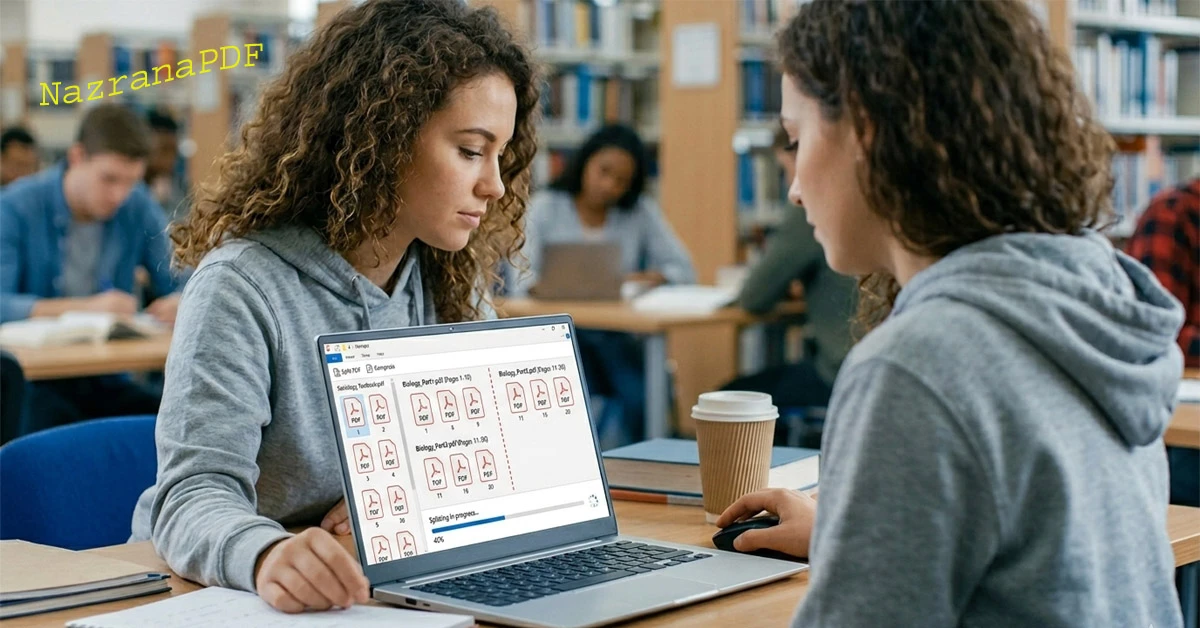
2. Split PDF Tool – Extract Important Pages
Sometimes a PDF contains 200+ pages, but you only need 10 important pages for revision.
A Split PDF tool allows students to:
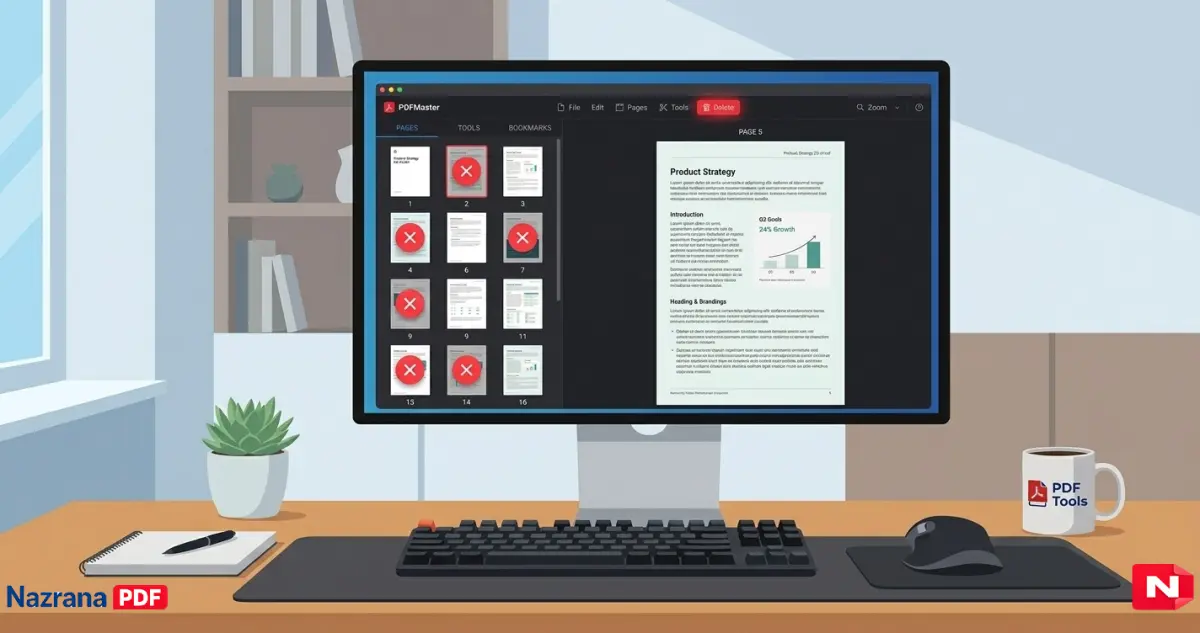
- Extract selected pages
- Remove unnecessary pages
- Create subject-wise study material
- Share only required content
If you want a simple and fast tool, you can use the Split PDF feature available at Nazrana PDF which works without signup and watermark.
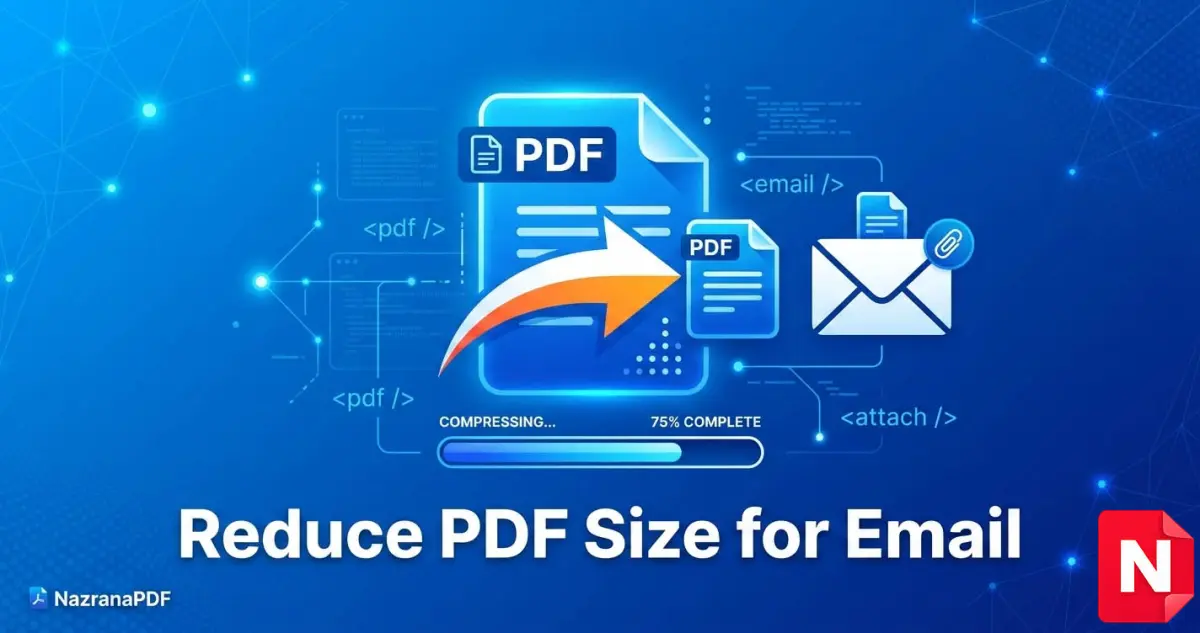
3. Compress PDF – Reduce File Size for Online Submission
Many college portals limit upload size to 5MB or 10MB. High-quality scanned assignments often exceed this limit.
A PDF compression tool helps:
- Reduce file size instantly
- Maintain readable quality
- Upload files without error
- Save storage space
Students preparing competitive exams also benefit by compressing large eBooks.
4. Convert Word to PDF – Professional Assignment Format
Teachers usually prefer PDF submissions instead of Word documents.
A Word to PDF converter:
- Keeps formatting intact
- Prevents accidental editing
- Looks professional
- Works on all devices
It is one of the most important PDF tools for students in 2026.
5. PDF to Word – Edit Notes Easily
Sometimes you download notes in PDF but want to edit or update them.
Using a PDF to Word tool, students can:
- Edit content
- Add personal notes
- Highlight important sections
- Prepare custom revision files
6. Add Page Numbers – Perfect for Projects
College projects often require proper formatting with page numbers.
A Page Number tool helps:
- Add page numbers automatically
- Customize position (top/bottom)
- Maintain professional layout
This improves presentation and marks in practical exams.
7. Add Watermark – Protect Your Notes
If you share your notes online, others may reuse them without credit.
A Watermark tool allows:
- Add your name
- Add college name
- Protect original content
- Share safely on social media
8. Rotate PDF – Fix Scanned Pages
Sometimes scanned documents appear sideways.
Rotate PDF tool helps:
- Fix orientation
- Improve readability
- Submit properly aligned assignments
Why Students Need Free PDF Tools in 2026
Digital education is growing rapidly. Online exams, digital submissions, eBooks, and scanned notes are part of daily life.
Free PDF tools help students:
✔ Save money
✔ Save time
✔ Work efficiently
✔ Submit assignments professionally
✔ Manage digital study material
Instead of installing heavy software, online tools work instantly in the browser.
Features to Look for in a Good PDF Tool
When choosing the best PDF tool for students, make sure it:
- Is 100% free
- Has no watermark
- Does not require signup
- Works on mobile & desktop
- Keeps files secure
- Deletes files automatically
Security is important because students upload assignments and personal documents.
Best Platform for Students
If you are looking for a secure and fast PDF tool platform, you can explore Nazrana PDF which offers:
All tools are simple and beginner-friendly.
Final Words
In 2026, students cannot avoid working with PDF files. Whether it’s assignments, research papers, or exam notes — managing PDFs smartly can save hours of work.
Using the best free PDF tools for students will improve productivity, presentation, and submission quality.
If you want simple, fast, and secure tools without watermark or login, online PDF tools are the perfect solution.
Start using smart PDF tools today and make your student life easier.
.jpg)