How to Add Password to PDF File – Complete Beginner Guide (2026)
PDF files are widely used for sharing documents like assignments, business contracts, bank statements, ID proofs, and research papers. But sometimes these documents contain sensitive information that should not be accessed by everyone.
That’s where password protection becomes important.
In this complete guide, you will learn how to add a password to a PDF file, why it is important, and the safest way to protect your documents online.
Why Should You Add Password to a PDF?
Adding a password to a PDF file helps you:
- Protect personal documents
- Secure confidential business files
- Prevent unauthorized access
- Keep academic assignments safe
- Share documents safely via email
Once a password is added, only the person who knows the password can open the file.
What is PDF Password Protection?
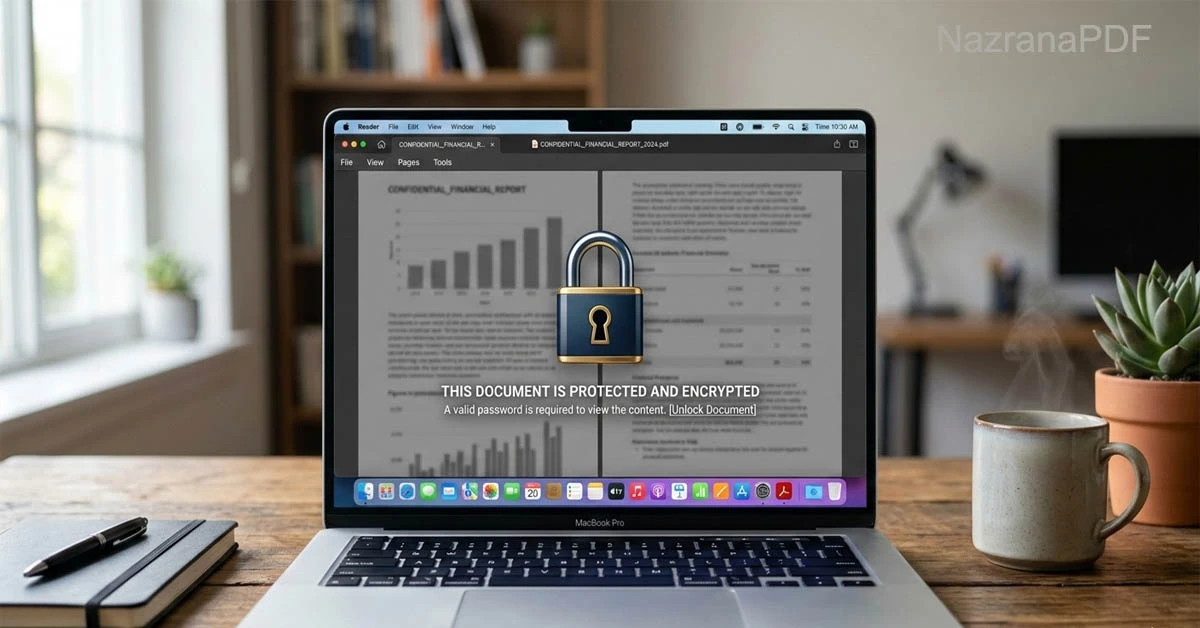
PDF password protection is a security feature that locks your PDF file. When someone tries to open it, they must enter the correct password.
There are two main types of PDF security:
- Open Password (User Password) – Required to open the document
- Permission Password (Owner Password) – Restricts editing, printing, or copying
Most students and users use the Open Password option for simple file security.
How to Add Password to PDF File Online (Step-by-Step)
Follow these simple steps:
Step 1: Open a Trusted PDF Tool Website
Use a secure and trusted online NazranaPDF tool platform that does not store your files permanently.
Step 2: Upload Your PDF File
Click on the upload button and select your PDF from your device.
Step 3: Enter Your Password
Type a strong password that includes:
- Uppercase letters
- Lowercase letters
- Numbers
- Special characters
Example: Nazrana@2026PDF
Step 4: Click on Protect / Lock PDF
The system will process your file and apply encryption.
Step 5: Download the Secured PDF
Download the password-protected PDF file to your device.
Now your file is protected.
How to Create a Strong PDF Password
Many users make the mistake of choosing simple passwords like 1234 or password.
Here are some tips for creating a strong password:
✔ Use at least 8–12 characters
✔ Mix letters and numbers
✔ Add special characters
✔ Avoid your name or date of birth
✔ Do not share password publicly
Strong passwords reduce the risk of hacking.
Is It Safe to Add Password to PDF Online?
Yes, but only if:
- The website uses HTTPS security
- Files are automatically deleted after processing
- No registration is required
- The platform clearly mentions privacy policy
Always avoid unknown or suspicious websites.
Benefits of Password-Protected PDFs
Adding password protection gives multiple advantages:
1. Privacy Protection
Your personal documents remain safe.
2. Professional Security
Business proposals and invoices stay confidential.
3. Safe Email Sharing
Even if email is forwarded, file stays locked.
4. Academic Safety
Students can protect projects and research files.
When Should You Lock a PDF File
You should add password when:
- Sending bank statements
- Sharing ID proof copies
- Submitting confidential assignments
- Sending legal documents
- Sharing company reports
Basically, whenever information is sensitive.
Can You Remove Password Later?
Yes, if you know the correct password, you can unlock the PDF using a PDF Unlock tool.
If you forget the password, recovery becomes difficult. So always store your password safely.
Offline vs Online PDF Protection
| Feature | Online Tool | Offline Software |
|---|---|---|
| Installation Required | No | Yes |
| Device Storage Use | Low | High |
| Easy to Use | Yes | Moderate |
| Instant Access | Yes | No |
For most students and basic users, online tools are faster and easier.
Common Mistakes to Avoid
- Using weak password
- Sharing password in same email
- Uploading files to unsafe websites
- Forgetting the password
- Not downloading the protected file
Avoid these mistakes to ensure maximum security.
Final Thoughts
Learning how to add password to PDF file is essential in 2026. Whether you are a student, freelancer, business owner, or working professional — document security matters.
Password protection is simple, quick, and highly effective. It prevents unauthorized access and ensures your information stays confidential.
Always use trusted tools, create strong passwords, and keep your documents secure.
Start protecting your PDFs today and maintain complete control over your files.